PDF417 Windows Font Encoder
 IDAutomation's PDF417 Font Encoder for Windows is an
application provided with the Font and Encoder package that provides an easy method of creating individual
barcodes. Dynamic PDF417 barcodes may also be generated with
other components within the package.
IDAutomation's PDF417 Font Encoder for Windows is an
application provided with the Font and Encoder package that provides an easy method of creating individual
barcodes. Dynamic PDF417 barcodes may also be generated with
other components within the package.
User Manual Download Demo Buy License
About the PDF417 Encoder
Implementing PDF417 as a font requires both the encoder and the font. The purpose of the encoder is to convert the data to be encoded into proper bar and space patterns formatted to IDAutomation's PDF417 barcode font. It is necessary to use the encoder because of the complexity of the symbology.
Tutorial
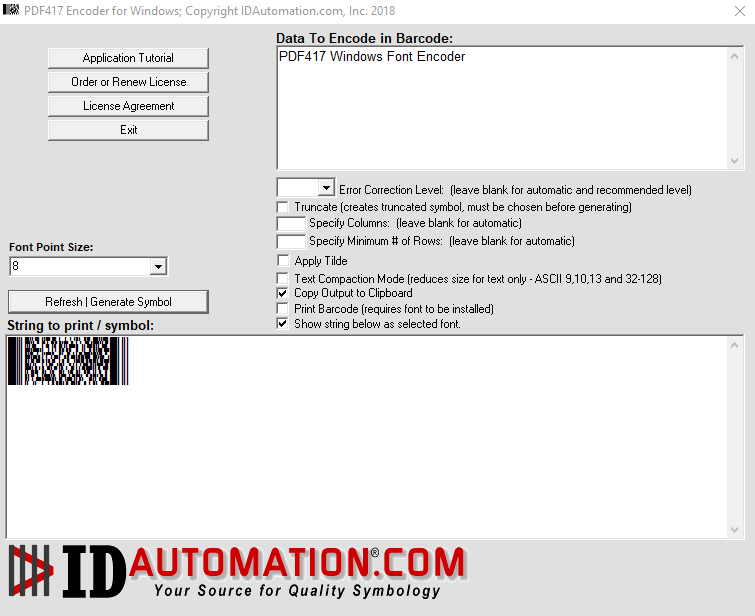
After the application is installed, it may be accessed by an icon in the Program group. When the application opens, enter the barcode data in the "data to encode in barcode" field. To paste into other Windows applications, select the "Copy Output to Clipboard" option and press the "Print | Generate Symbol" button.
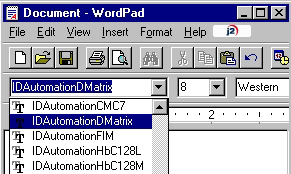
In a program such as Microsoft Word, place the cursor on the area for the barcode, and choose the IDAutomation2D font.
Choose Edit - Paste to paste the barcode string into the application.
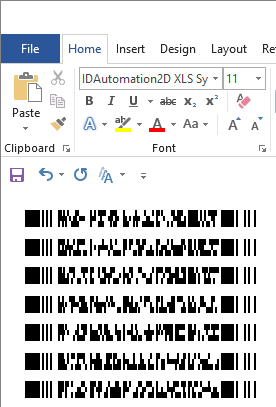
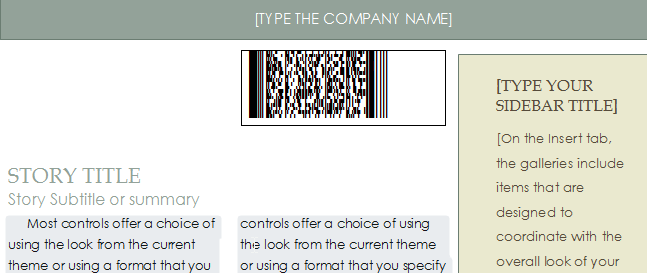
If the symbol is distorted as above, highlight the barcode lines and right-click to select "Don't add space between paragraphs of the same style," and then ensure the line spacing is set to single and spaces are not automatically added after each paragraph.
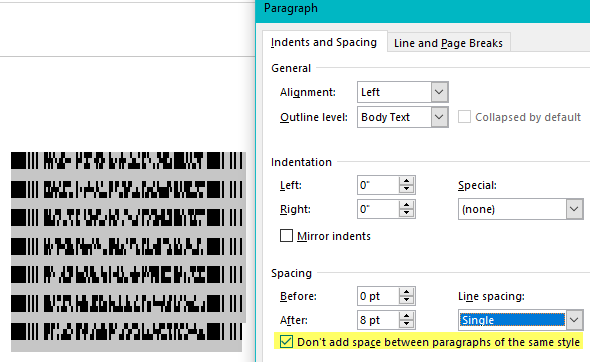
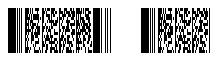
The barcode after spacing is removed:
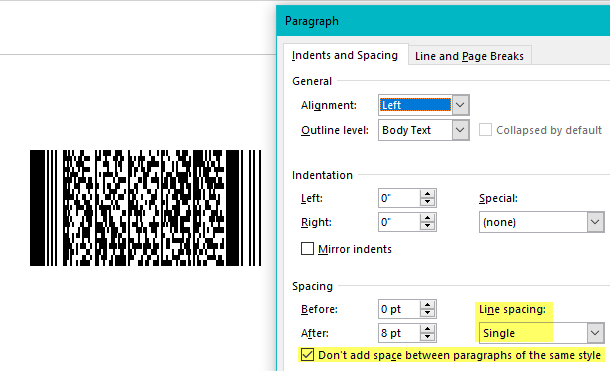
Additionally, ensure there is enough space in the area to contain the symbol. The symbols are left justified by default; therefore, it may be helpful to paste the symbol into a text box within the document.